References
Bring your references, tables, and figures together in one space. Create, organize, and insert what you need in Word, then review bibliographic quality before submitting your work.
Additional downloads
A toolkit built for serious academic work, without distractions.
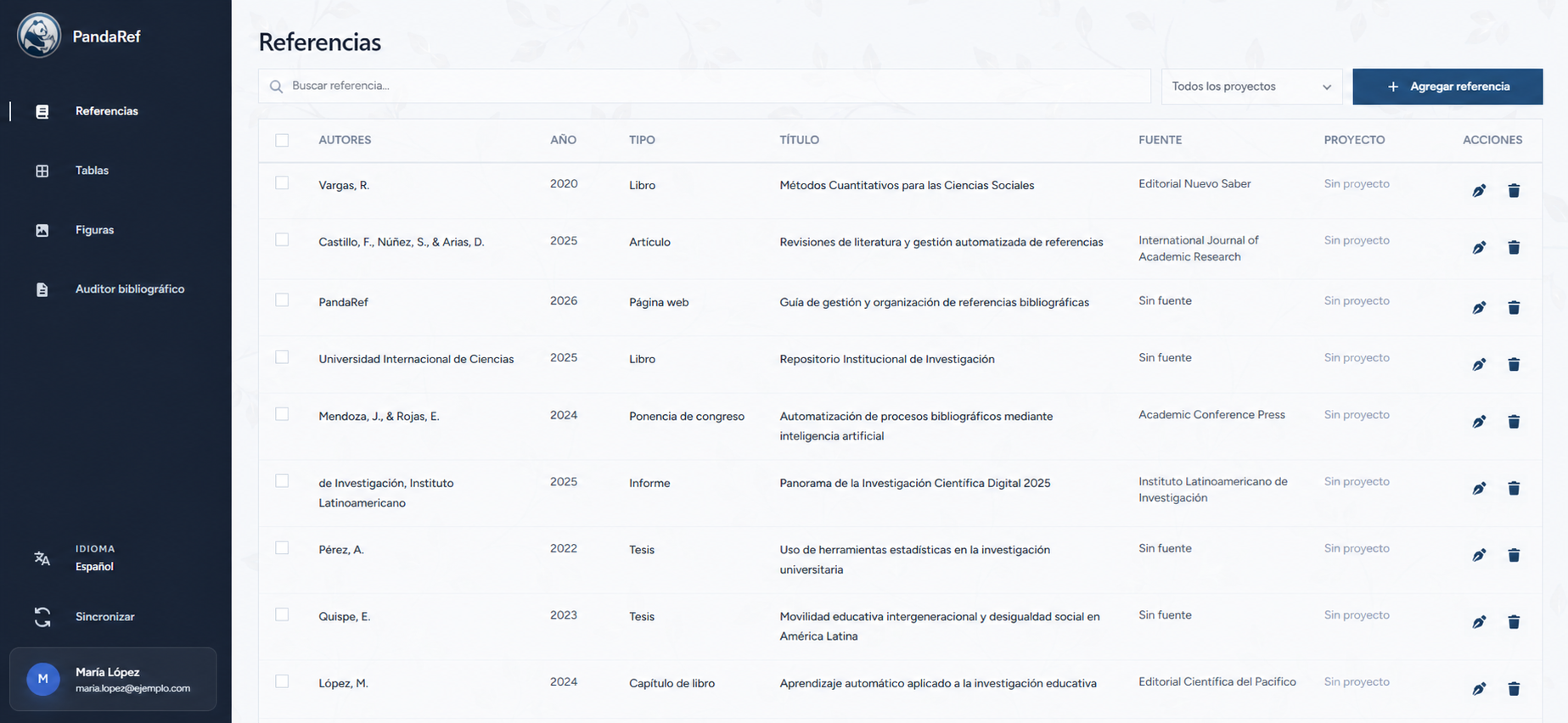
Collect, organize, and format every source for your research from one library.
Start free. Upgrade when you need to.
Free
3 USD/month
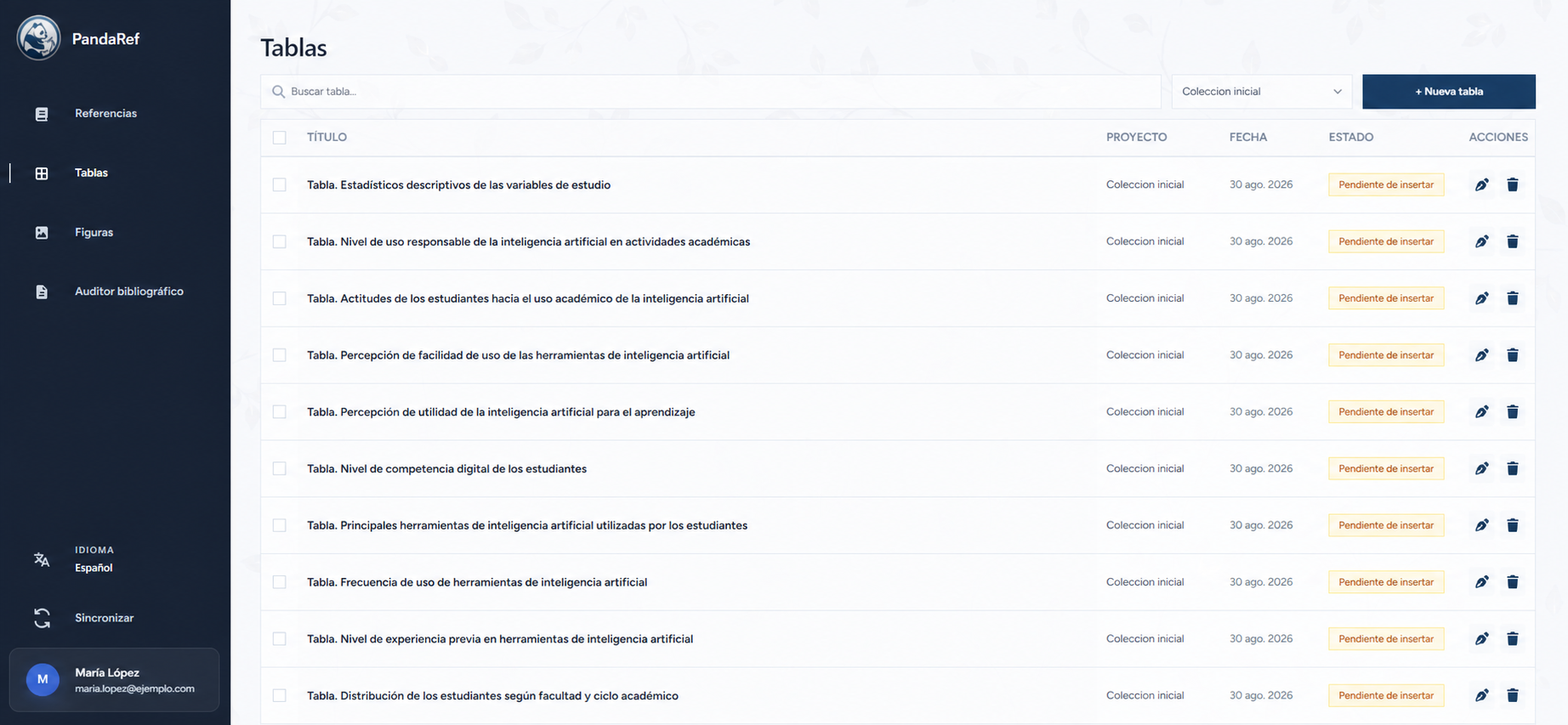
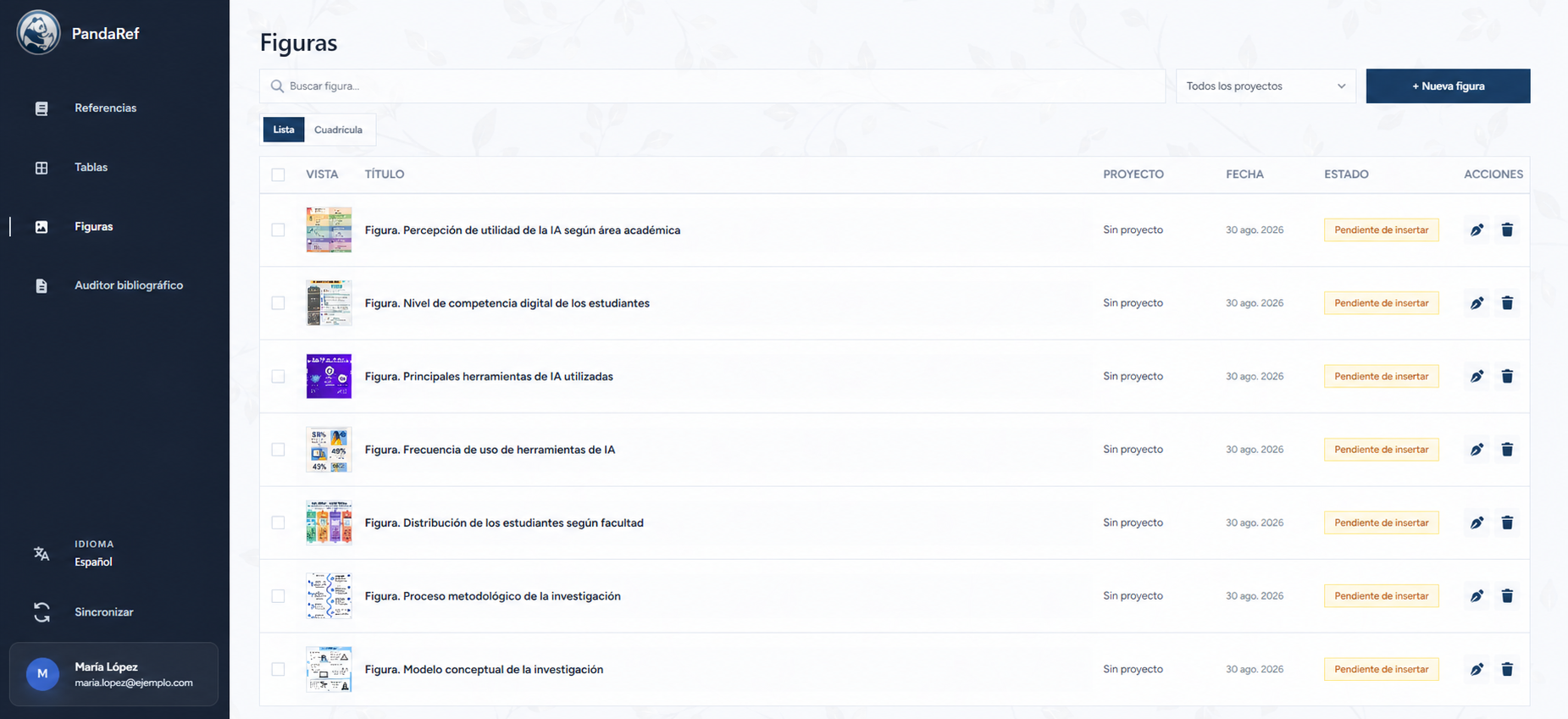
References, tables, and figures to organize the elements of your research.
5 USD/month
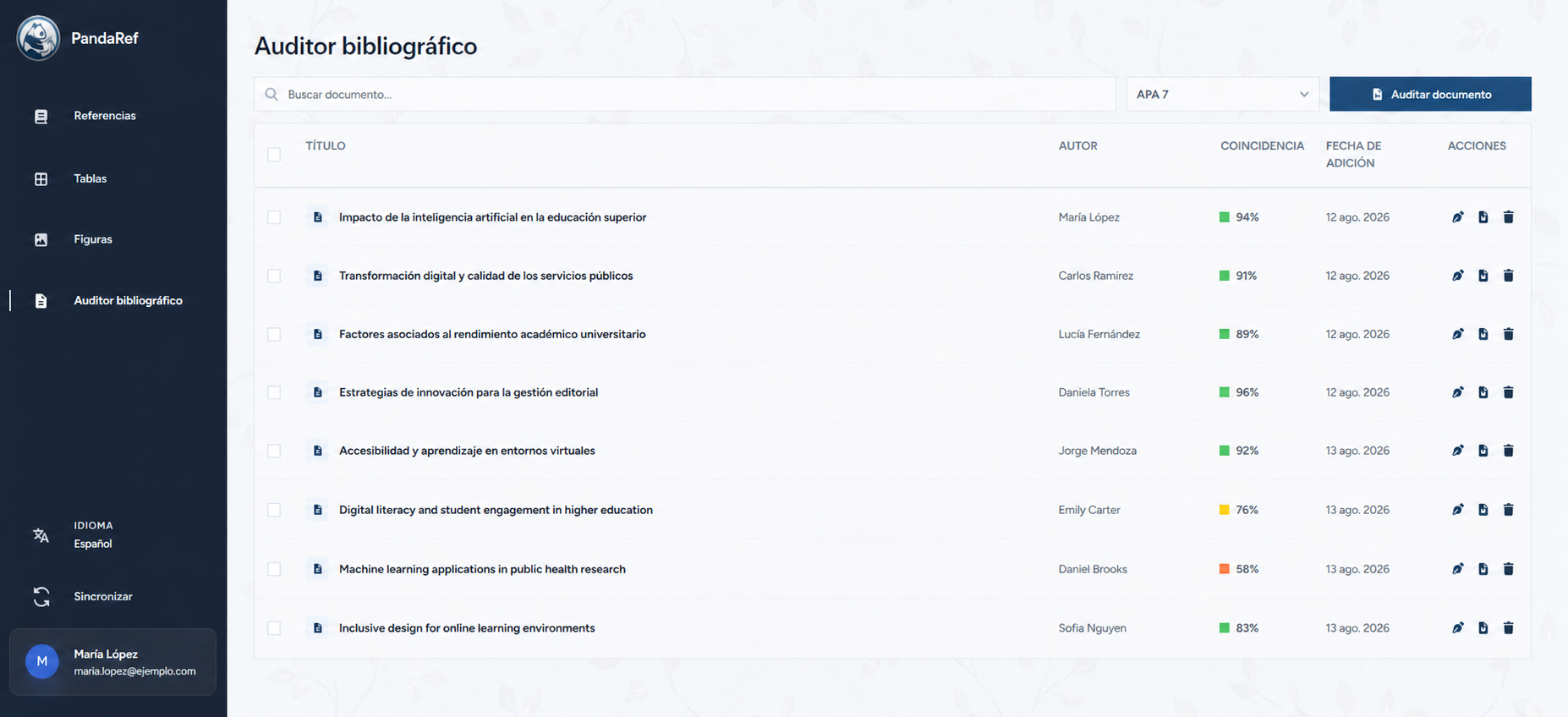
Everything in Plus, with the bibliographic auditor for reviewing documents.
Everything you need to understand how PandaRef fits your research, writing, and citation workflow.
References and citation styles.
Help center
Choose the tool you use and access its download or a quick guide to continue your research.
Organize references, tables, figures, and audits from your online library.
Open PandaRef WebInsert and update references, tables, and figures directly in your document.
Download for WordCapture metadata from the current tab and save it to your projects.
Open extensionKeep your Word tools and PandaRef Helper ready on Windows.
Download for WindowsTurn content copied from Word and Excel into editable research elements.
Learn about HelperLearn step by step how to use PandaRef Web, the Word add-in, and the browser extension.
Open guideMICROSOFT EDGE APP
Install PandaRef from Microsoft Edge. Organize references, tables, and figures offline, then sync your changes when you reconnect.
Write to us and we will guide you with PandaRef, Word, Helper, or the extension.